The home for your blood tests
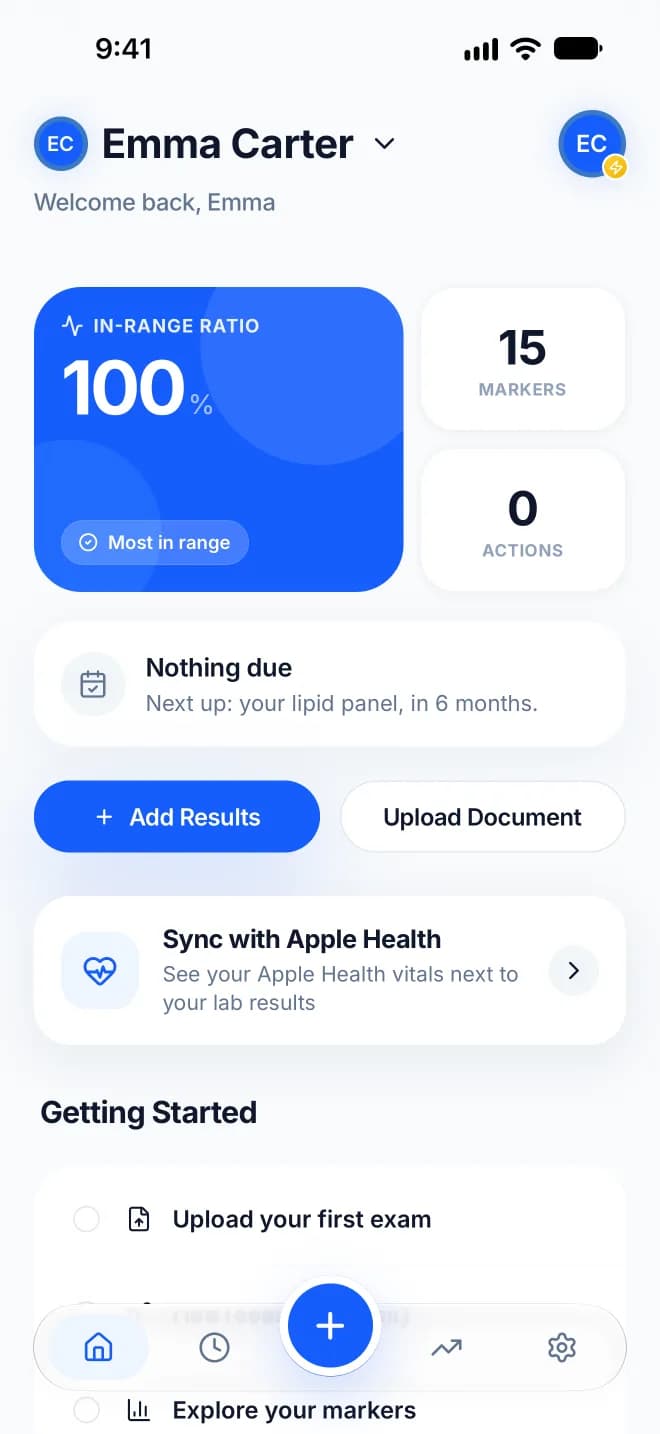
Upload a PDF, see what's changing, understand what it means. Bllod keeps your lab results in one place, charts every marker over time, and explains each one in plain language.
Scroll
Family
One plan for up to five people
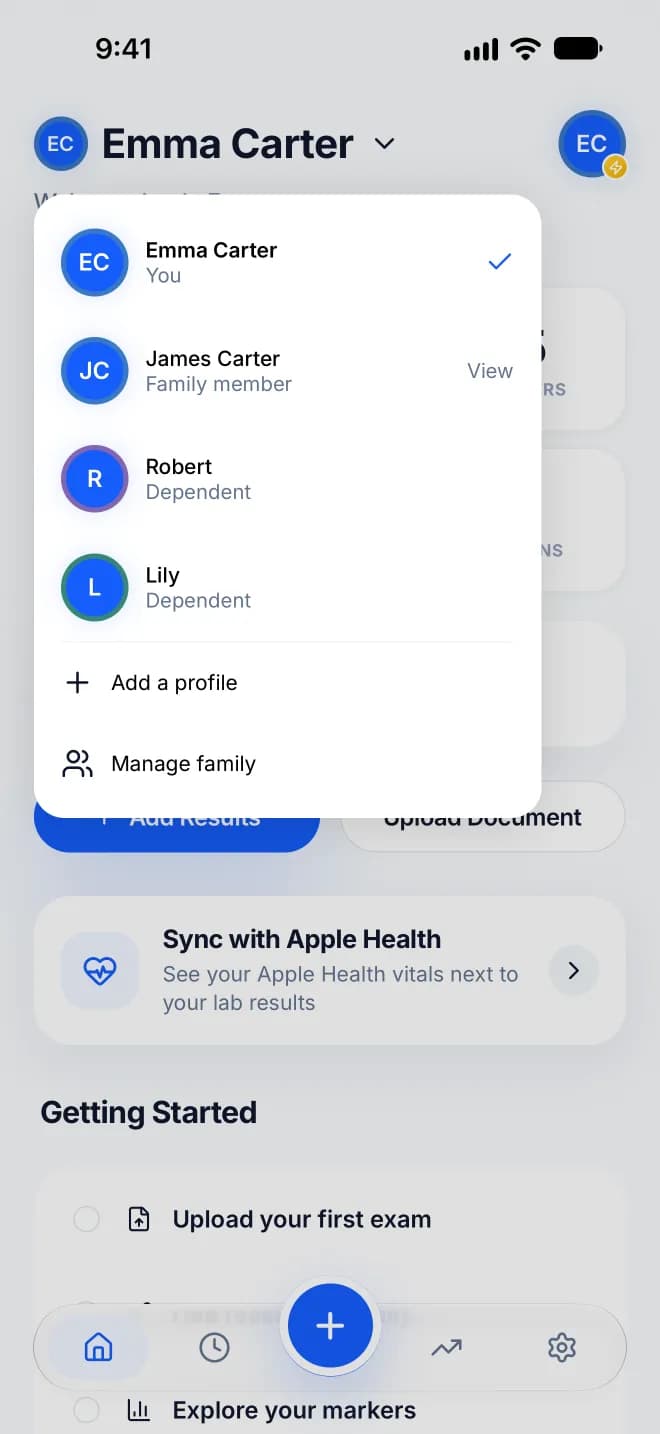
With Bllod Pro, one subscription covers up to five profiles, one per person. Create a profile for someone who doesn't use the app, like a child or a parent, or invite another adult to join from their own account.
You decide who can see each profile, and who can also add and edit its results.
How it works
From your lab PDF to your next appointment.
How it works
From your lab PDF to your next appointment.
01
Upload
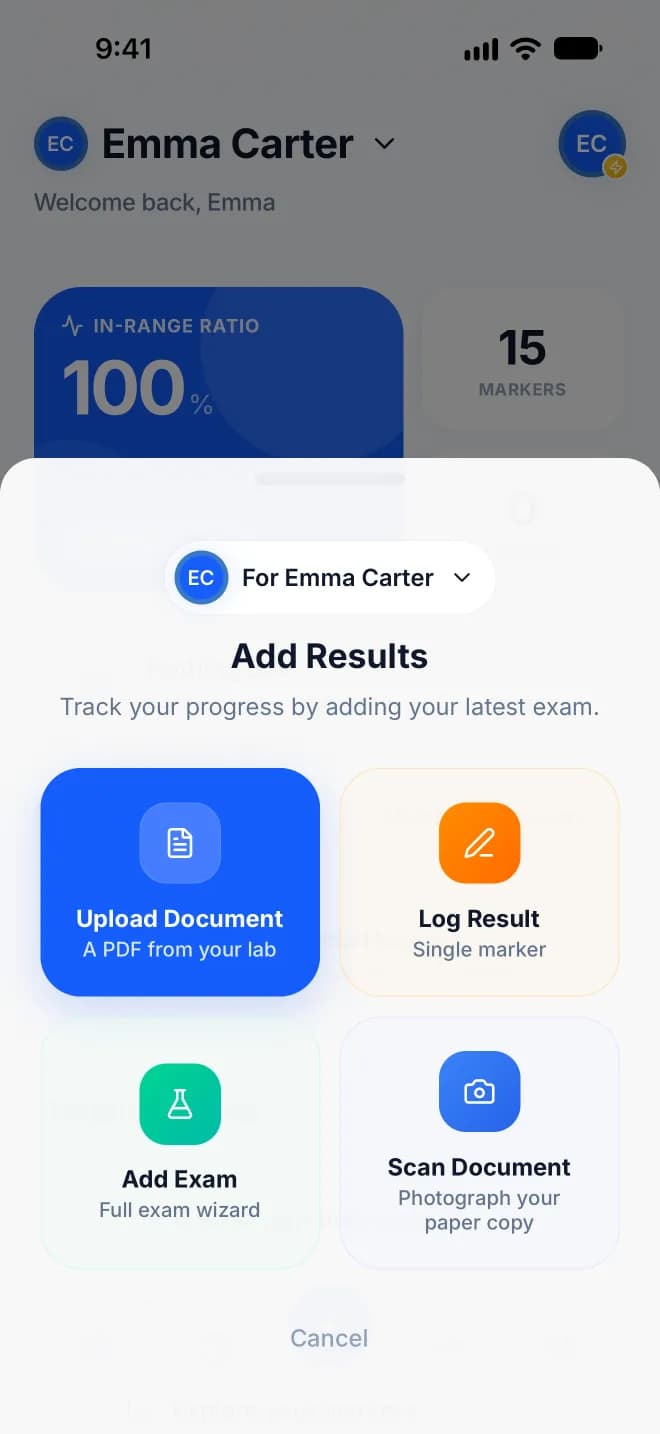
Upload your lab PDF and Bllod pulls out your results. Photos and scanned reports are read too, with Bllod Pro. Anything it misses, you can add by hand.
02
See what's changing
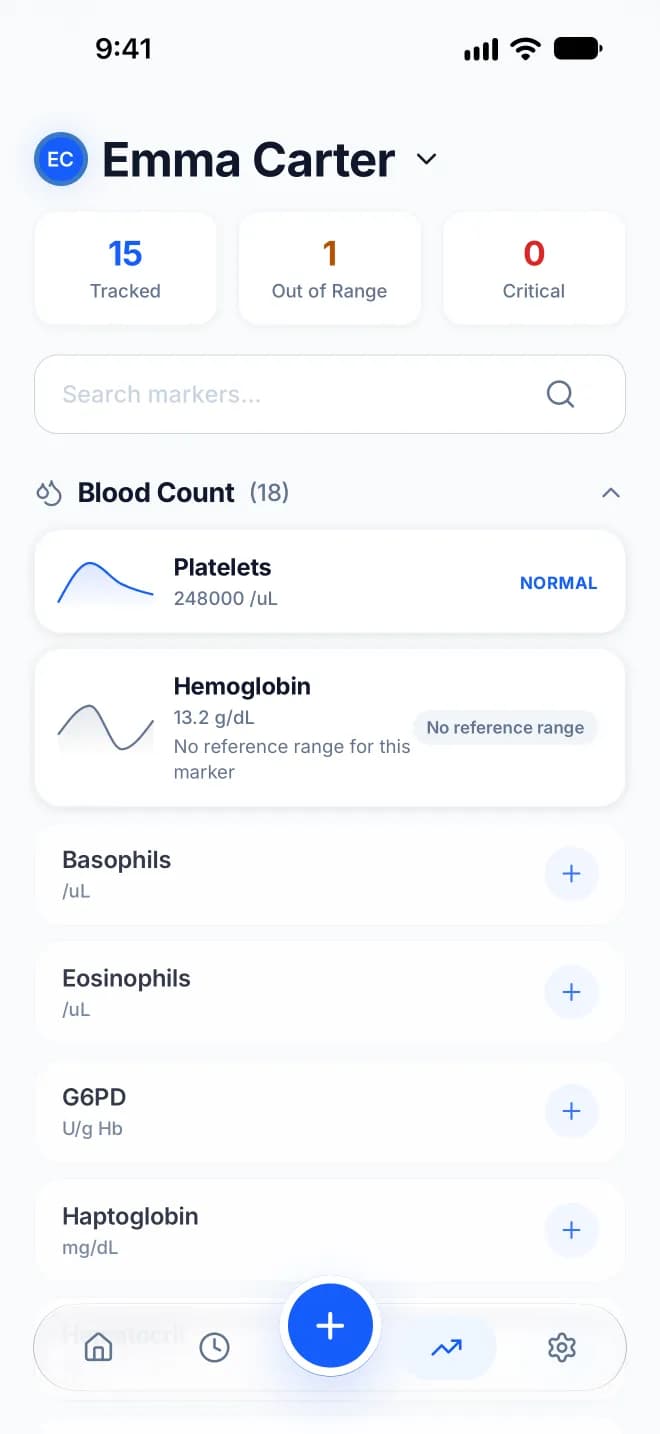
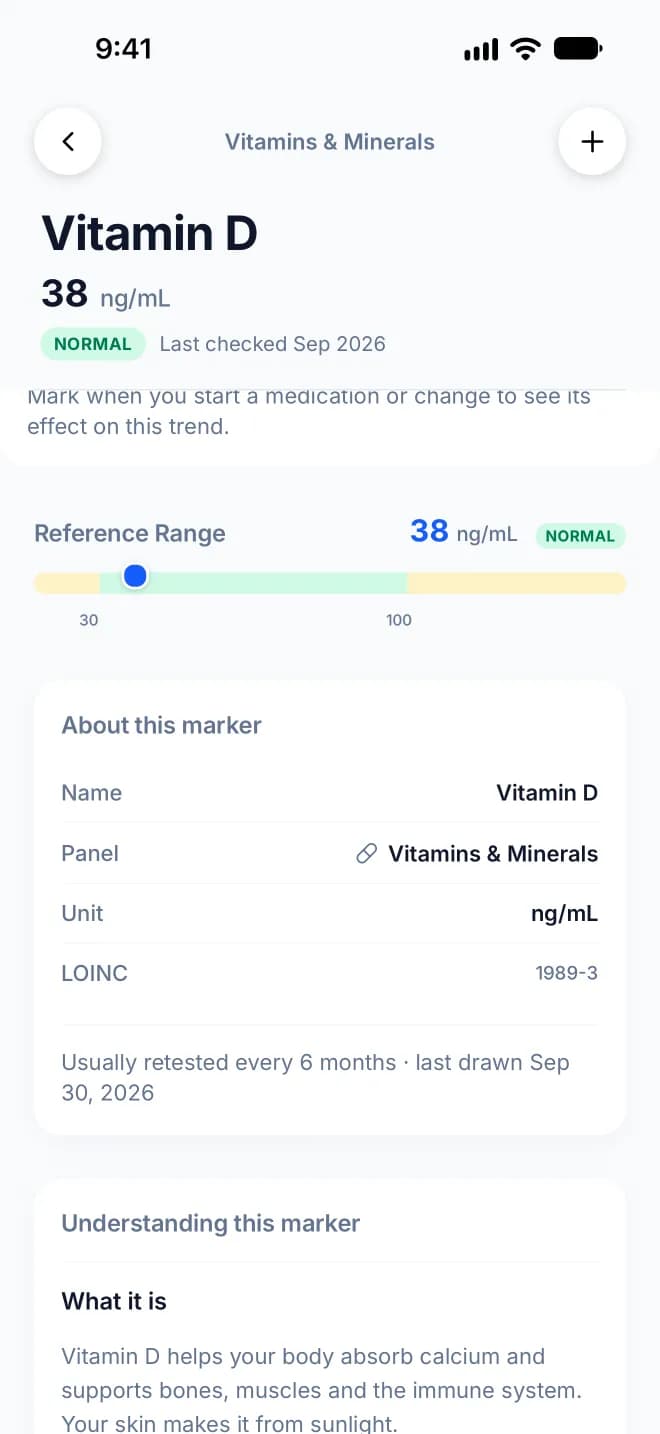
See how each marker changes over time, on its own trend chart. The Markers tab lists everything you've tested, with what's tracked and what's outside the reference range.
03
Understand what it means
Read what a marker measures and what a high or low value can mean, in plain language, with notes on food, lifestyle and preparing for your next test.
04
Act on it
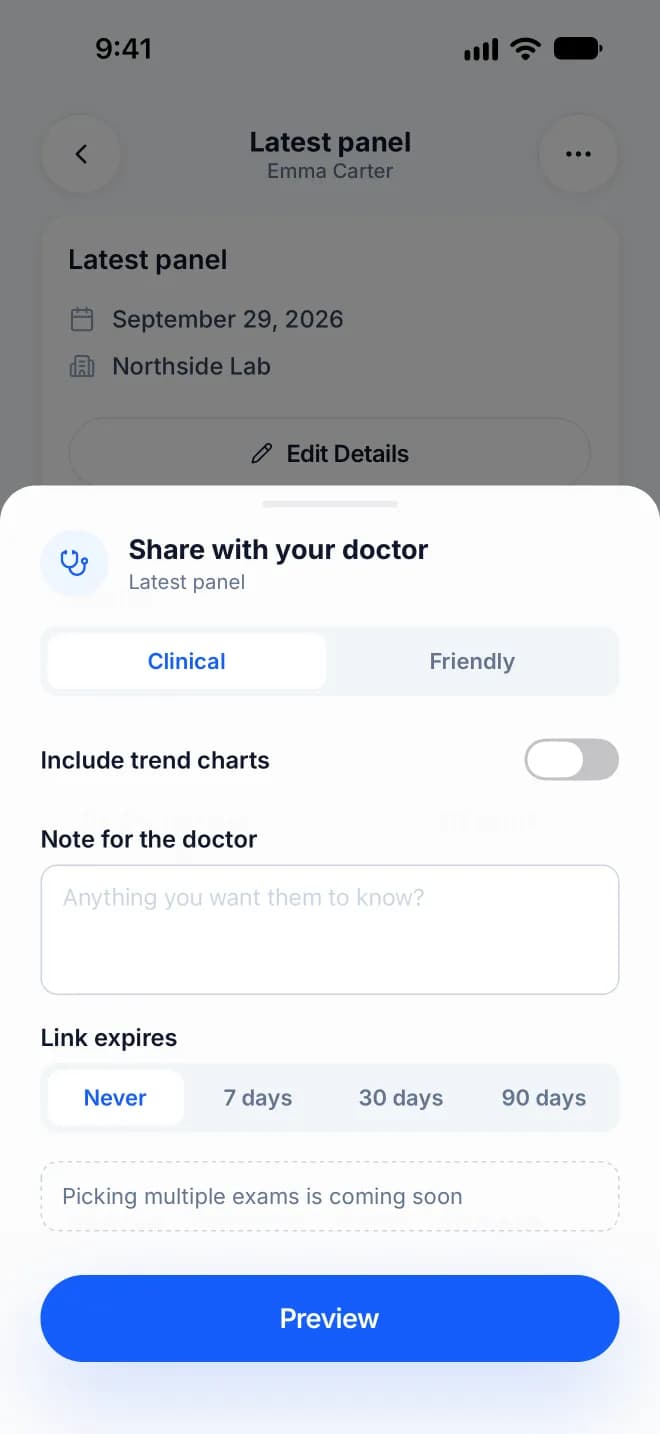
Share an exam with your doctor through a link you can turn off whenever you want, and bring your history to your next appointment instead of a stack of PDFs.
01
Upload
Upload your lab PDF and Bllod pulls out your results. Photos and scanned reports are read too, with Bllod Pro. Anything it misses, you can add by hand.
02
See what's changing
See how each marker changes over time, on its own trend chart. The Markers tab lists everything you've tested, with what's tracked and what's outside the reference range.
03
Understand what it means
Read what a marker measures and what a high or low value can mean, in plain language, with notes on food, lifestyle and preparing for your next test.
04
Act on it
Share an exam with your doctor through a link you can turn off whenever you want, and bring your history to your next appointment instead of a stack of PDFs.
Plans
Start free. Upgrade when you need more.
| Features | Free | Bllod Plus | Bllod Pro |
|---|---|---|---|
| PDF uploads | 3 | Unlimited | Unlimited |
| History and trends | 12 months | Full | Full |
| Export and share | |||
| AI extraction | |||
| Camera scan | |||
| Family, up to 5 profiles |
Bllod Plus and Bllod Pro are auto-renewing subscriptions, bought in the app.
Your data
No one else sees your results unless you share them.
Your results are encrypted in transit and at rest, and every marker is coded in LOINC, the standard hospitals use worldwide, so your data stays portable.
Encrypted in transit and at rest
Your results are protected on the way to Bllod and while they're stored.
Coded in LOINC
Every marker carries its universal medical code, so your data isn't locked to one app.
From the journal
View allLatest reading.
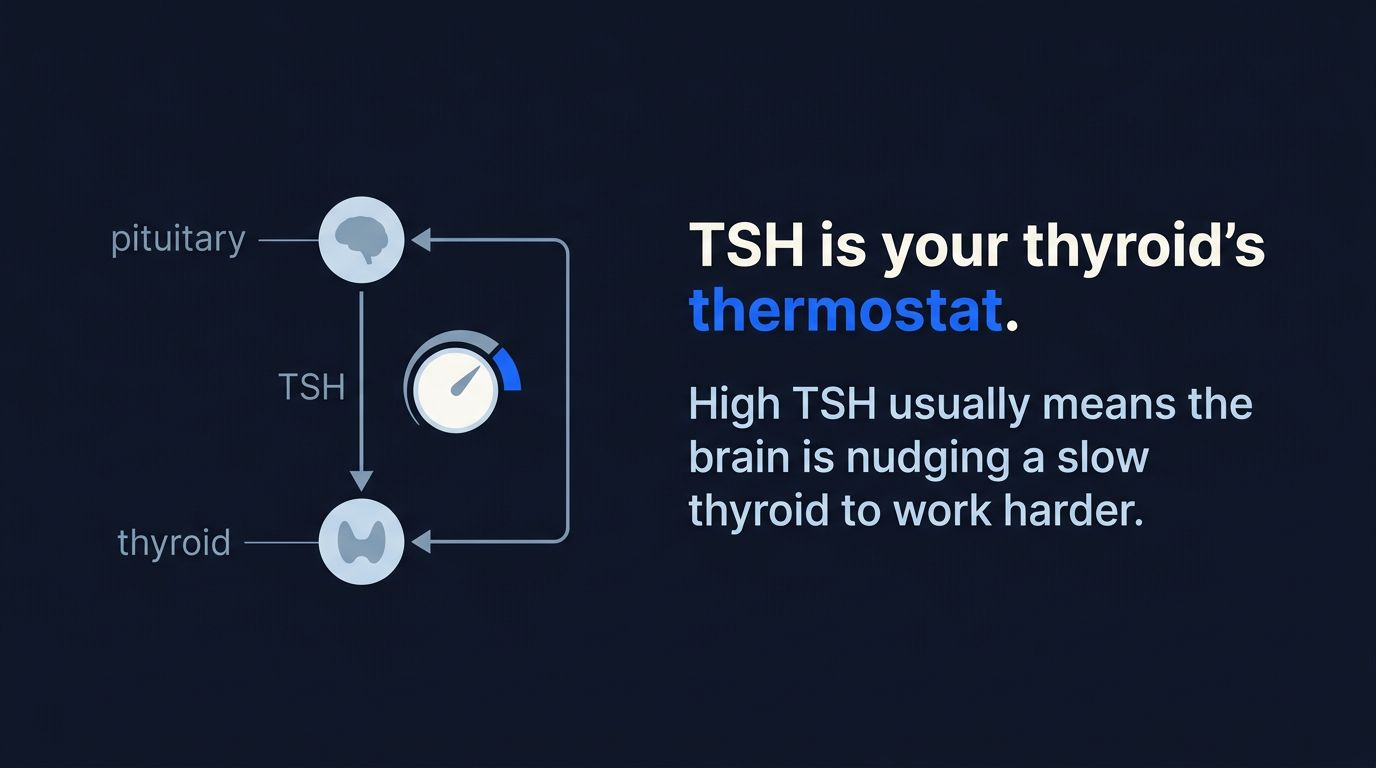
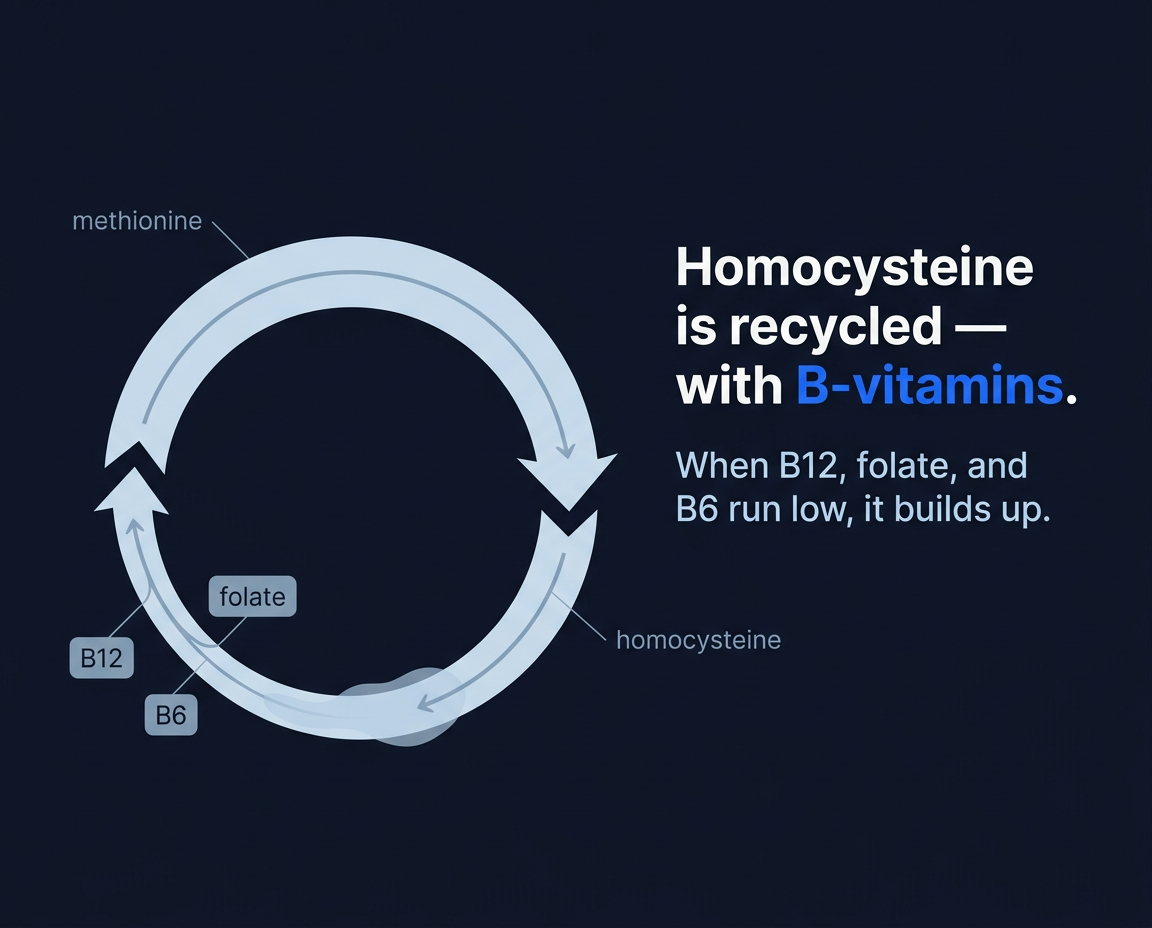
Notes, deep dives, and explainers from the people building Bllod.

Your blood tests, in one place.
Create your account and upload your first lab PDF.
Free to download.